A Google Ads Editor Bug Is Silently Rewriting Your Extensions Across Accounts
If you manage Google Ads campaigns across multiple languages or markets, there's a decent chance some of your structured snippets are showing in the wrong language right now. And you probably don't know it.
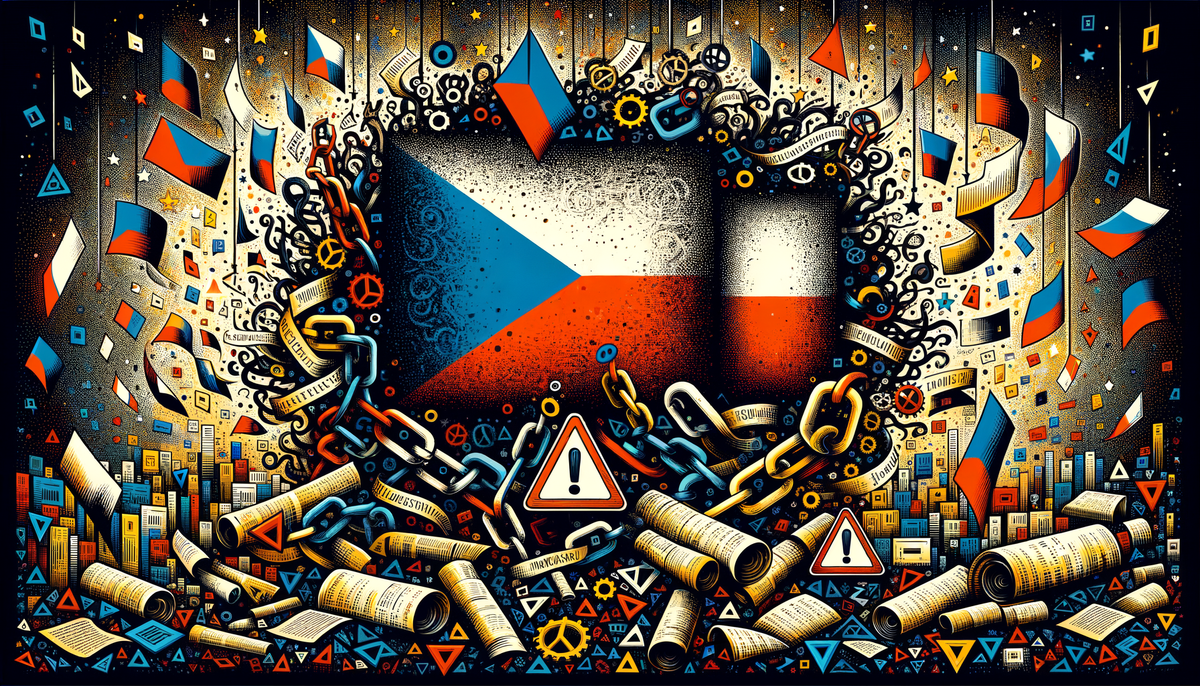
A confirmed bug in Google Ads Editor is silently linking structured snippet extensions when they're copied between accounts. Change the language setting in one account, and it changes in the other. No warning. No sync notification. Just quiet, invisible overrides that turn your Czech snippets into Slovak ones the next time someone touches either account.
The bug was first identified by digital marketer Marcin Wsół and confirmed by PPC News Feed founder Hana Kobzová. Both were managing Czech and Slovak ecommerce accounts, which is a common enough setup that this probably isn't an edge case.
How the corruption actually spreads
The scenario is familiar to anyone managing regional accounts. You copy structured snippets from one account to another using Google Ads Editor. You make your localization edits. You push the changes and move on. Everything looks normal in the interface.
Except the extensions aren't actually independent. They behave as if they're still connected. Edit the language setting on the copy, and the original changes to match. Edit the original, and the copy follows. It's a phantom dependency that nothing in the interface flags or warns you about.
You wouldn't notice unless you happened to go back and check the source account after making changes in the target. Which almost nobody does. Why would you? You already set it up correctly.
And it gets worse. The same linking behavior can occur within a single account when you duplicate and edit structured snippets. So this isn't just a multi-market problem. Anyone using Editor's copy functionality to build out extensions is potentially exposed.
The question nobody seems to be asking yet
Every report I've seen focuses on structured snippets specifically. That makes sense, because that's where the bug was discovered. But the mechanism here is the copy operation creating hidden dependencies, and there's no obvious reason why callout extensions, sitelinks, or other copied assets would be immune to the same behavior.
I haven't been able to confirm whether it extends beyond snippets. It's entirely possible the bug is genuinely isolated. But if you're already auditing your structured snippets (and after reading this, you should be), spending an extra few minutes checking your other extension types seems like a reasonable insurance policy. The worst case is that you wasted five minutes confirming everything is fine.
This is the kind of bug that creates slow, invisible damage. A Czech user seeing Slovak snippet text isn't going to cause an immediate quality score collapse. It just erodes trust in small, quiet ways that never show up in a weekly performance report. And honestly, most advertisers running multi-market campaigns have enough noise in their data that a snippet language mismatch could go undetected for weeks. Maybe longer.
The fix works, but it's fragile
For now, the workaround is to make structured snippet edits in the Google Ads web interface instead of Editor. Changes made through the web UI don't create the invisible link. So far, so good.
The catch: if you go back to Editor afterward and make any edits to those same extensions, the linking behavior can reappear. Which means the fix only holds if everyone on your team knows about it. One person running a bulk edit in Editor next Tuesday could silently undo the correction without anyone realizing it happened.
Here's what I'd recommend as a practical workflow until Google patches this:
- Stop using Google Ads Editor to copy structured snippets between accounts. Full stop.
- Open each account in the web interface and verify language settings on every structured snippet manually. Yes, all of them.
- If you find extensions showing the wrong language, delete the corrupted copy and recreate it from scratch in the web interface. Don't try to edit the existing one. The hidden link may persist.
- Send a team-wide note about this. The fix is only as durable as the last person who touches the account.
Tedious? Absolutely. But "tedious and correct" beats "efficient and silently broken" when there's real budget on the line across multiple markets.
Bulk operations in Editor deserve more scrutiny than they get
This bug highlights something that, from what I've seen, doesn't get discussed enough in PPC management. Google Ads Editor is a workhorse. Agencies and in-house teams managing at scale rely on it daily, and most people trust it implicitly. You copy, you edit, you push. The assumption is that the tool behaves predictably.
But Editor has had a history of quirks with bulk operations. This isn't the first time copy-paste behavior produced unexpected side effects, and it probably won't be the last. What makes this instance different is that the failure mode is completely silent. No error message. No warning indicator. Nothing in the change history that flags the hidden link between extensions.
If your team manages campaigns across more than two languages, I'd add a post-push verification step to your workflow. Not as a permanent process, necessarily. Just until Google confirms a fix. Open the source account after every bulk edit and spot-check a few extensions across at least two markets. Three minutes of checking. The alternative is discovering the problem when a client in Munich asks why their ad extensions are suddenly in French.
Agencies managing regional ecommerce accounts are probably the most exposed here. The Czech/Slovak case where this was discovered is a common pattern in Central and Eastern European markets: similar products, similar account structures, frequent cross-pollination of ad copy and extensions between neighboring countries. If that sounds like your setup, run the audit today. Not tomorrow. Today.
What silent bugs actually cost
Google hasn't publicly acknowledged the bug as of this writing. The reports from Wsół and Kobzová are specific and reproducible enough that a fix seems likely, but there's no timeline. If you've noticed unexpected language changes in your structured snippets recently and couldn't figure out why, this is probably the explanation you were looking for.
The frustrating part isn't that the bug exists. Software has bugs, and Google Ads Editor is a complex tool managing a complex system. The frustrating part is that the failure mode is invisible to the advertiser. You can follow every best practice, use the official tool exactly as intended, and still end up with corrupted extensions across accounts because the tool quietly created a dependency you never asked for.
Between this, the recent loyalty program ads expansion requiring new first-party data configuration, and ongoing changes to how Google handles asset groups generally, there's a growing argument for running a monthly cross-account extension audit. The teams that already do this will catch problems like this one in days. Everyone else finds out when the client calls.
I don't think this bug will affect most single-market, single-language advertisers. But if your workflow involves copying extensions between accounts or languages, even occasionally, the three-minute check is worth more than the risk of assuming everything is fine. Especially when the tool that's supposed to be helping you is the thing creating the problem.