Meta's Duplicate Button Can Add Website Offers You Turned Off
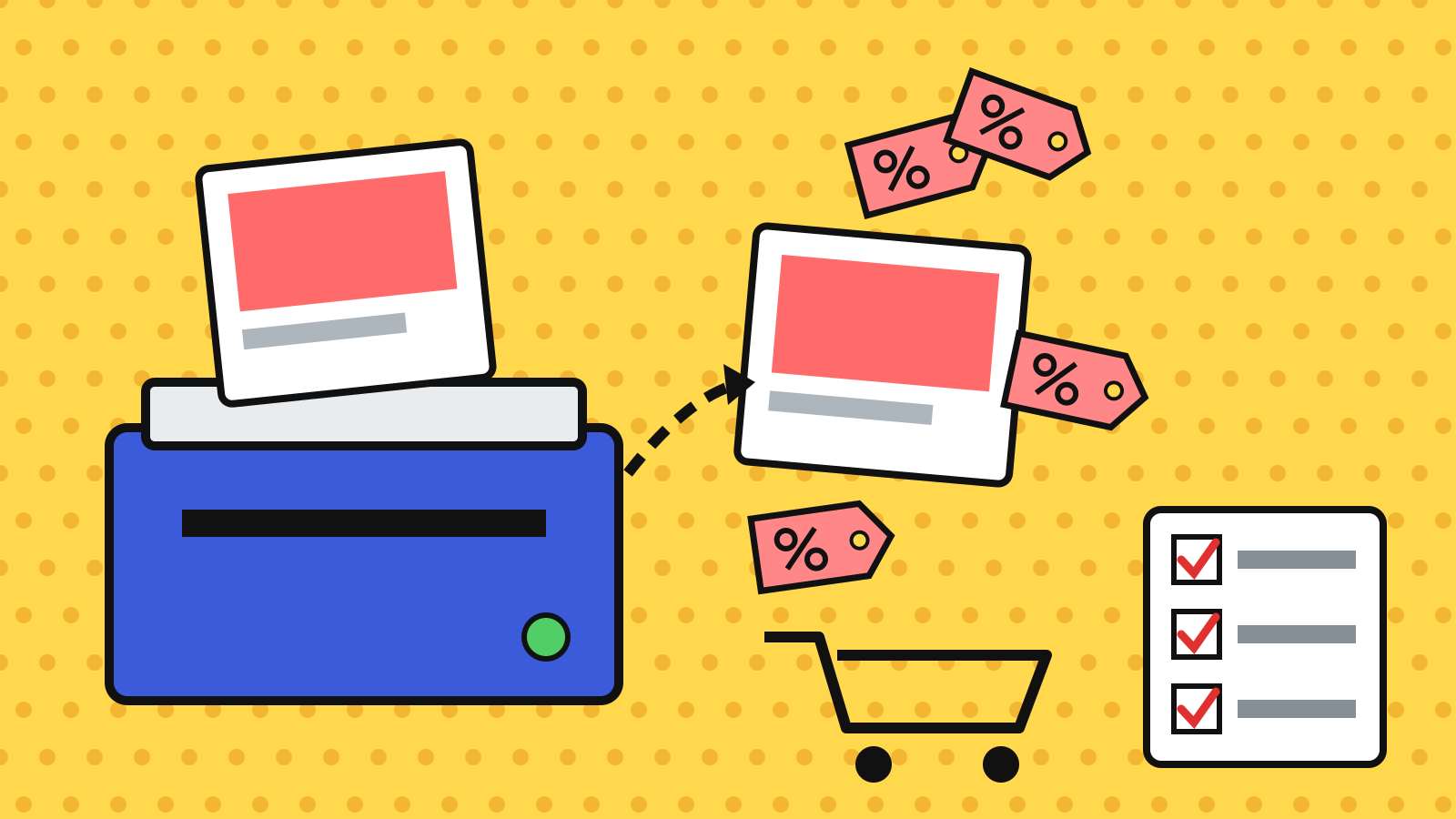
Meta can add discounts it detects on your website to copied Facebook and Instagram ads, even when promotions were switched off on the original ad, according to a November 6 PPC Land report. The control lives in Commerce Manager under Settings, Offer merchandising, where three checkboxes decide whether codes can appear. With Black Friday on November 27, audit those boxes before you duplicate a single holiday ad.
This one came to light the way most Meta changes seem to now: not through an announcement, but through a practitioner noticing something odd in the interface. Bram Van der Hallen, a Meta ads specialist at Edge.be, posted a heads-up on LinkedIn warning that Meta "may now automatically detect offers from your website and use them in your Meta ads." The evidence was a notice Meta shows when you duplicate an ad, saying "eligible promotions" can appear in the new version even though promotions are off on the original, and pointing you to Commerce Manager to manage them.
No Meta newsroom post. No Help Center article that anyone has found yet. Just a pop-up most people click past while they're trying to refresh creative at 11pm.
Where the switches are (and what each one does)
In the account Van der Hallen showed, the Offer merchandising page had two blocks. Under a heading called "All ads," there's a "Detected offers" checkbox. A second block, for ads that lead to a shop or product browsing, has "Sale events" and "Seasonal event names." All three were ticked.
Nobody outside Meta knows yet whether those boxes are on by default for every account, when the page appeared, or whether it shows up for advertisers without a shop or catalog. PPC Land also flagged that the duplicate notice says "promotions" while the settings page says "offers," and it's not clear they mean the same thing. That's a small wording gap, but honestly, it's the kind of gap that makes it hard to know if unticking one box actually covers you.
The underlying capability isn't new. Back in 2024, Social Media Today reported that Meta was rolling out a URL-based process that scans your site for existing offers during ad setup, and Meta had already pushed promo codes into ads globally around the same period. Jon Loomer also documented an Offers option inside Ad Sources. What changed is where consent lives. Back then you confirmed or removed detected offers inside the ad. Now the setting sits one level up, in a tool many paid social managers rarely open.
Why a "helpful" discount can cost you real money
On paper, showing a live offer in an ad sounds like free conversion rate. And sometimes it will be. If your sitewide 20% Black Friday sale is public anyway, Meta surfacing it in the ad probably helps.
The problem is that most stores don't run one discount. They run a stack of them, and a lot of those are deliberately narrow:
- Cart-abandonment codes that only go out in a flow email
- Influencer or affiliate codes tied to a commission
- Win-back offers for lapsed customers
- Employee or VIP codes that were never meant to be public
- Single-campaign codes with a hard end date
If any of those are visible somewhere on the site (a banner, a landing page, a popup Meta can render), a crawler has no obvious way of knowing that one is for a 200-person segment and another is for everyone. A prospecting ad that shows a 30% win-back code to cold audiences effectively turns a targeted offer into a sitewide one.
Leaked codes are already a known margin problem. Modern Retail reported that leaked campaign codes can cost a small DTC brand tens of thousands of dollars. That was with coupon sites doing the leaking. Having the ad platform do it, at prospecting scale, during the most discount-heavy week of the year, is a different order of exposure.
Every duplicate you make in Ads Manager is one more chance for a private code to go public.
Then there's the liability angle, which I think is the part people are underrating. Meta's revised Commercial Terms include an AI Features section that makes advertisers solely responsible for what its AI changes in their ads, and the effective date was pushed to November 20 without changing the wording. We covered why that clause matters in Meta Says Its AI Ad Edits Are Your Problem. Whether auto-shown offers fall under it is unclear. But a discount in an ad is a price claim, and if it's expired or wasn't meant for that customer, it still carries your brand name, not Meta's.
Another default-on, in a very crowded six weeks
Part of me wants to treat this as a one-off quirk. It's hard to, given the pattern.
Meta switched product browsing on in existing ads on October 28 unless you opted out. Google started auto-applying website coupons to some Search and Performance Max campaigns from October 12, and it will scrape images into new PMax campaigns from December 4. OpenAI set ChatGPT ads to be rewritten by default too. Every major platform is now reaching into your website and deciding what belongs in your ad.
The analogy I keep coming back to: it's like hiring a store clerk who reads every sticky note behind the register and starts quoting them to walk-in customers. Helpful, technically. Also how your staff discount ends up on a Reddit deals thread.
The Segwise team made a sensible call in their product browsing writeup: treat every new and duplicated Meta ad as unchecked until you've reviewed its settings. I'd go a bit further. Treat the duplicate button itself as a possible settings reset, at least until Meta documents what carries over.
A 15-minute offer audit before you clone any holiday creative
None of this requires new tools. It's mostly about doing things in the right order.
1. Open Commerce Manager, then Settings, then Offer merchandising. Screenshot the current state of "Detected offers," "Sale events," and "Seasonal event names" so you have a record. If the page doesn't exist for your account, note that too.
2. Decide per box, not all-or-nothing. If your only live discount is a public sitewide sale, leaving "Detected offers" on is defensible. If you run any segmented, affiliate, or flow-only codes, I'd untick it. Personally, I wouldn't leave it on for any brand with more than two active codes.
3. Inventory what's crawlable. List every discount code that appears anywhere on a public page, including popups and announcement bars. If a code is meant for a segment, it shouldn't be visible on a page Meta can read, ad platform or not.
4. Re-check a duplicated ad before it spends. Duplicate one live ad, open the preview, and look for any offer text or badge. Do this after you change the setting, because the notice suggests the copy is where offers get picked up.
5. Set a redemption tripwire. In Shopify or whatever platform you use, watch redemptions per code daily from November 20 through December 1. A benchmark worth using: if any segmented code's daily redemptions jump more than 3x its trailing 14-day average, pull the code and check which ads are showing it. That threshold is a judgment call, but it's loud enough to catch a leak and quiet enough to ignore normal BFCM lift.
One messy thought I can't fully resolve: some of these auto-offers will probably lift conversion rate, and Meta will likely publish a number saying so, the way it cited a 3% average gain for product browsing. That number may even be true on average. It just doesn't tell you what it did to margin, which is the line item you actually get asked about in January.
My guess for the next three weeks
I'd bet at least one mid-size DTC brand posts a screenshot before Cyber Monday (November 30) of a private code showing up in a cold prospecting ad, and Meta adds a Help Center article within 30 days of that. I'm less sure about the timing than the screenshot.
Until then, the safest assumption seems to be that anything on your website is fair game for your ads, and that the box controlling it sits in a tool your paid team may not have opened since the shop was set up. It takes about two minutes to go look. I'd probably go look before the next creative refresh, not after.