Email Marketing Strategy Guide: Build It in the Right Order
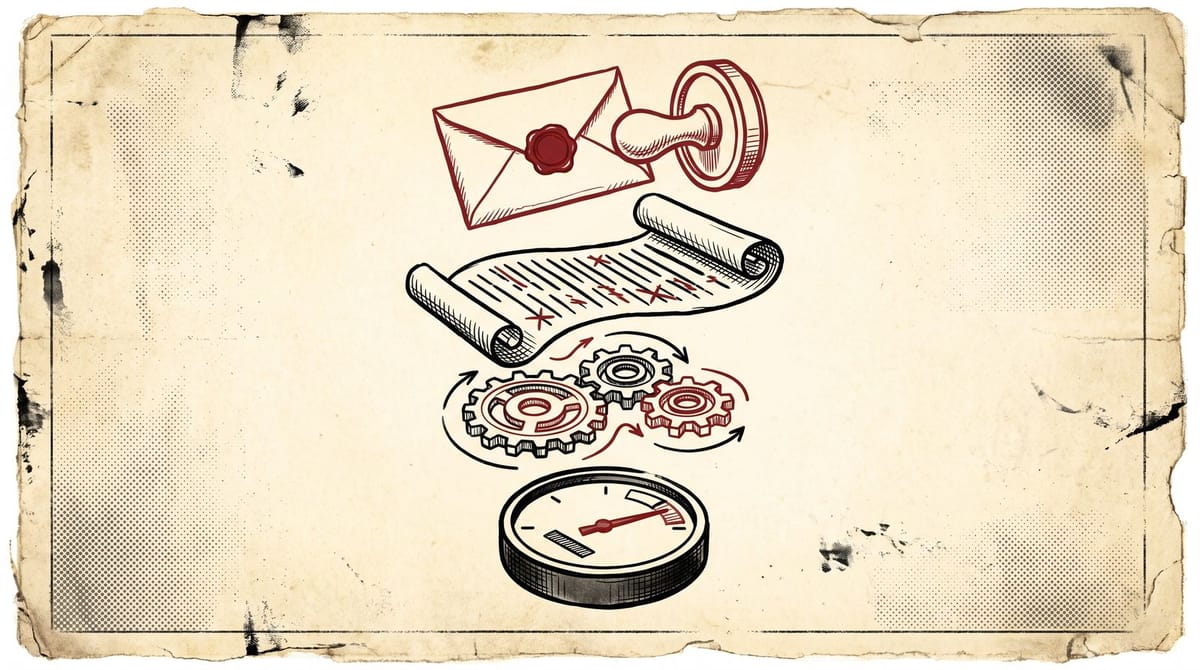
An email marketing strategy is built in four layers, in order: deliverability, list health, automation, then measurement. Email still returns roughly $36 to $40 for every $1 spent, but that average hides a hard gate: since February 2024, Gmail and Yahoo reject bulk mail that fails authentication or crosses a 0.3% spam complaint rate. Fix the layers in sequence, and each one has a benchmark that tells you when it's done.
This post is the hub for everything we've published on email at NMS. It covers the build order, the pass or fail number for each layer, and the point where you should stop optimizing and just send. It's opinionated on purpose. The generic version of this article already exists in twenty places, and most of those versions open with "step one: define your goals."
Most email marketing strategy guides start at step four
Klaviyo's strategy guide has nine steps and opens with goal setting. Mailchimp's version starts with audience research. Brevo lists thirteen tips. None of them are wrong, exactly. They just assume your mail is already landing in inboxes, and for a lot of senders that assumption is doing heavy lifting.
Look at the spread in Brevo's 2026 benchmark data: the average open rate across industries is 20.73%, while the top 10% of senders sit at 44.02%. (Open rate here means unique opens divided by delivered emails, and we'll get to why that number is partly fiction in layer four.) Some of that gap is better subject lines. Most of it, from what I've seen, is infrastructure and list quality: mail that actually reaches the inbox, sent to people who actually asked for it.
A strategy that starts with segmentation is a house plan that starts with furniture placement. Foundation first, then framing, then you can argue about the couch.
So this guide runs in build order. Four layers, each with a benchmark that tells you it's safe to move up:
- Layer one: deliverability. Pass when authentication is green and your spam complaint rate holds under 0.1%.
- Layer two: list health. Pass when bounces stay under 2% and a sunset policy is actually running.
- Layer three: automation. Pass when welcome, post-signup, and re-engagement flows are live.
- Layer four: measurement. Pass when your dashboard runs on clicks, conversions, and revenue per recipient instead of opens.
Layer one: deliverability decides whether you have a channel
In February 2024, Gmail and Yahoo stopped treating good sending behavior as a suggestion. Anyone sending 5,000 or more messages a day to Gmail addresses counts as a bulk sender and must authenticate with SPF, DKIM, and DMARC, offer one-click unsubscribe, and keep spam complaints below 0.3%. Yahoo shipped matching rules at the same time (deliverability people nicknamed the pairing "Yahoogle," which is Mailgun's word, not mine). Microsoft followed in May 2025 and brought Outlook, Hotmail, and Live under similar requirements, with DMARC as the headline demand.
Two details in Google's documentation matter more than the headline rules. First, 0.3% is the rejection line, not the target: Google says to stay below 0.1%, and mitigation only becomes available once your rate holds under 0.3% for seven straight days. Second, one-click unsubscribe means the RFC 8058 List-Unsubscribe header, the kind mail clients render right next to the sender name. A link buried in your footer doesn't count.
Sending less than 5,000 a day? The letter of the rules doesn't apply to you. Follow them anyway. Most ESPs now push DMARC on every customer regardless of volume, and authentication feeds your domain reputation at any size. We wrote a full walkthrough in our SPF, DKIM, and DMARC setup guide, including the alignment failures that trip up teams who thought they were done.
Tab placement is a separate issue from spam, by the way. Landing in Gmail's Promotions tab hurts far less than most teams assume, and fighting it is mostly wasted effort. We broke down what actually decides Promotions tab placement separately. Fix spam first. Worry about tabs last.
The pass check for this layer: open Google Postmaster Tools and read your spam complaint rate for the last 30 days. Under 0.1%, move on. Between 0.1% and 0.3%, cut your unengaged segment before the next send. Over 0.3%, stop sending to everyone except your most recent, most engaged subscribers until the graph comes down.
Reading this because you send email for a living? Notice Me Senpai is a free daily email on what changed in marketing and what to do about it. Subscribe here, it takes ten seconds.
Layer two: the list is a depreciating asset
Email lists rot. People change jobs, abandon inboxes, or just stop caring, and the research we reviewed puts the loss at around 23% of your list per year. That number surprised me the first time I ran into it, and then I looked at a few real lists and it stopped being surprising. A list built two years ago and never cleaned is close to half dead.
Dead addresses hurt twice. Hard bounces above roughly 2% of a send tell mailbox providers you don't know your own list, which drags reputation down. And disengaged subscribers who technically still exist are the people most likely to hit "report spam" when your email interrupts them, which feeds the complaint rate from layer one.
The fix is a sunset policy, and it's emotionally harder than it is technically hard. Define an engaged segment: anyone who clicked, converted, or subscribed in the last 90 days. Everyone outside it gets a short re-engagement sequence, three emails over about three weeks, and whoever doesn't respond gets suppressed. Vendor write-ups on list cleaning (Emercury's roundup is representative) claim re-engagement recovers 10% to 30% of inactives. In practice the recovered fraction matters less than the suppression itself.
It feels wrong to email fewer people. The first month of a sunset policy looks like shrinkage on every chart you report, and someone above you will ask about it. It is also the single fastest way to move a complaint rate, and it's usually the difference between a list that ages and a list that composts.
To pass this layer: build the 90-day engaged segment this week and check its size against your full list. If the engaged share is under 40%, run the sunset sequence before your next campaign, and suppress hard bounces automatically so the bounce rate stays under 2%.
Layer three: automation earns more than the calendar ever will
Automated flows were about 2% of email sends last year. They drove roughly 30% of email revenue.
That ratio comes from Omnisend's statistics report, drawn from their own merchant base, so it skews ecommerce. But the direction shows up everywhere. Klaviyo's benchmarks put automated flows at a 5.58% click rate against 1.69% for one-off campaigns (click rate meaning unique clicks divided by delivered). Triggered email lands when someone just did something. A calendar campaign lands whenever your content plan said so, which is unfair competition, in the flow's favor.
The order I'd build: welcome flow first, then whatever behavior-triggered flow fits your business (post-purchase, onboarding, trial nudges), then the re-engagement sequence from layer two. We published a teardown of the five welcome emails that convert, and the short version is that email one should arrive within minutes and carry your single best piece of value, because you will never again have this much of the subscriber's attention.
On paper, "set up automation" sounds like a quarter-long project. Sometimes it is. But a three-email welcome flow is an afternoon of work in any modern ESP, and it will probably outperform every campaign you send this month.
Before planning another calendar campaign, get those three flows live. Then benchmark the welcome flow against your campaign click average: a healthy one runs 2x to 3x higher, and when it doesn't, the mismatch usually sits between what people signed up for and what email one actually delivers.
Layer four: measure what Apple didn't break
Apple's Mail Privacy Protection has been auto-firing tracking pixels since 2021, which means a chunk of your "opens" are Apple's servers, not humans. The industry averages quoted earlier include those phantom opens. Open rate still works as a directional signal inside your own list, week over week, but as an absolute number it seems to flatter everyone equally.
The metrics that survive: click rate, conversion rate, revenue per recipient, and the negative signals (complaints and unsubscribes). Revenue per recipient is the one I'd anchor a dashboard on, because it survives both MPP and the temptation to celebrate opens nobody made. We covered the full replacement dashboard in email metrics after Apple MPP.
The exercise for this layer: pull your last ten sends and compute revenue per recipient for each (total attributed revenue divided by emails delivered). The absolute number matters less than the trend and the spread. If one send did 4x the others, that outlier is your next test hypothesis.
The honest case against having an email strategy at all
Time to argue against this entire article, because the opposing view has real weight.
If your list is under 5,000 and you send one genuinely useful email a week, you're already doing 80% of what matters. The bulk sender rules don't formally apply to you. Your ESP handles most authentication by default. Some of the best newsletters in marketing run on nothing but taste and consistency: no segments, no flows, no dashboard beyond "did people reply."
Strategy documents don't send emails. I've watched teams spend six weeks on a segmentation framework they never shipped, and the honest accounting is that a mediocre email sent weekly beats a brilliant strategy sent never. Forced to choose between consistency and sophistication, choose consistency. Every time.
Where the no-strategy position collapses is growth. Authentication debt compounds quietly: everything works until the day you cross a volume threshold or a complaint spike hits, and suddenly you're diagnosing DNS records during an outage of your best channel. The automation gap is money left on the table at any size. So the honest synthesis is that you need less strategy than the vendor guides say, applied in a stricter order than they suggest.
Overbuilding is the quieter failure
Underbuilding gets diagnosed fast because mail bounces. Overbuilding hides. The common versions:
- A fifteen-segment personalization matrix on a 3,000-person list. The segments are smaller than the noise floor, so nothing you learn from them is real.
- Send-time optimization while the complaint rate sits at 0.4%. Optimizing the hour your email gets marked as spam.
- AI subject line tooling before list hygiene. Subject lines move opens, which you can barely measure anyway (see layer four).
- Buying a list. Never. One purchased list can crater a sender reputation for months, and the complaint math makes that outcome close to guaranteed.
If layers one through three genuinely pass, the advanced work is worth doing: walk your DMARC policy from monitoring (p=none) to quarantine and then reject as your reports come clean, consider a dedicated IP once you're somewhere north of 100,000 emails a month (below that, a good shared pool is usually safer), and run seed tests before your biggest sends.
My prediction, with stakes attached: within two years, Gmail moves enforcement from the 0.3% complaint ceiling toward the 0.1% figure its documentation already calls the target. Senders budgeting complaints against 0.3% will find the budget repriced without notice. Build to 0.1% now and the change costs you nothing.
FAQ: email marketing strategy questions, answered
What is a good ROI for email marketing?
Industry studies cluster between $36 and $40 in attributed revenue per $1 spent, and Omnisend reports $76 for its US merchants, though that figure is platform-reported and ecommerce-heavy. All of these are attributed revenue, which inherits every problem attribution has. The defensible claim: email is the highest-ROI channel most teams run, even after you discount the vendor math.
What is a good email open rate in 2026?
Brevo's cross-industry average is 20.73%, with the top 10% of senders at 44.02%. Both numbers are inflated by Apple Mail Privacy Protection, so compare against your own history rather than the benchmark, and lean on click rate (roughly 1.7% for campaigns and 5.6% for automated flows, per Klaviyo) when a real decision rides on it.
How often should you send marketing emails?
There is no universal frequency; there is a complaint budget. Watch complaint and unsubscribe rates per send as you increase cadence, and slow down or segment when they climb. From what I've seen, somewhere between weekly and daily works for most lists, while sending less than monthly lets your sender reputation and your list's memory of you go cold at the same time.
Why do my emails go to spam even with SPF, DKIM, and DMARC passing?
Authentication gets you considered, not delivered. Spam placement after passing authentication usually traces to complaint rate, weak engagement, alignment failures between your visible From domain and the authenticated domain, or a sudden volume spike. Work layers one and two above, and ramp volume gradually after any long pause.
Start at the bottom of the stack
The ten-minute version of this whole guide: open Postmaster Tools, read your complaint rate, and let that one number tell you which layer you're on. Everything else here is sequencing.
I don't think the teams winning email are the ones with the cleverest segmentation. Mostly they're the ones whose mail arrives, whose lists are clean, and who let the boring flows run while everyone else redesigns the newsletter template again. Foundation first. The couch can wait.
If this was useful, the daily version is free: subscribe to Notice Me Senpai. One email a day on what changed in marketing and what to do about it.
Notice Me Senpai Editorial