Safari Will Repaint Your Landing Pages Dark (and You Can't Detect It)
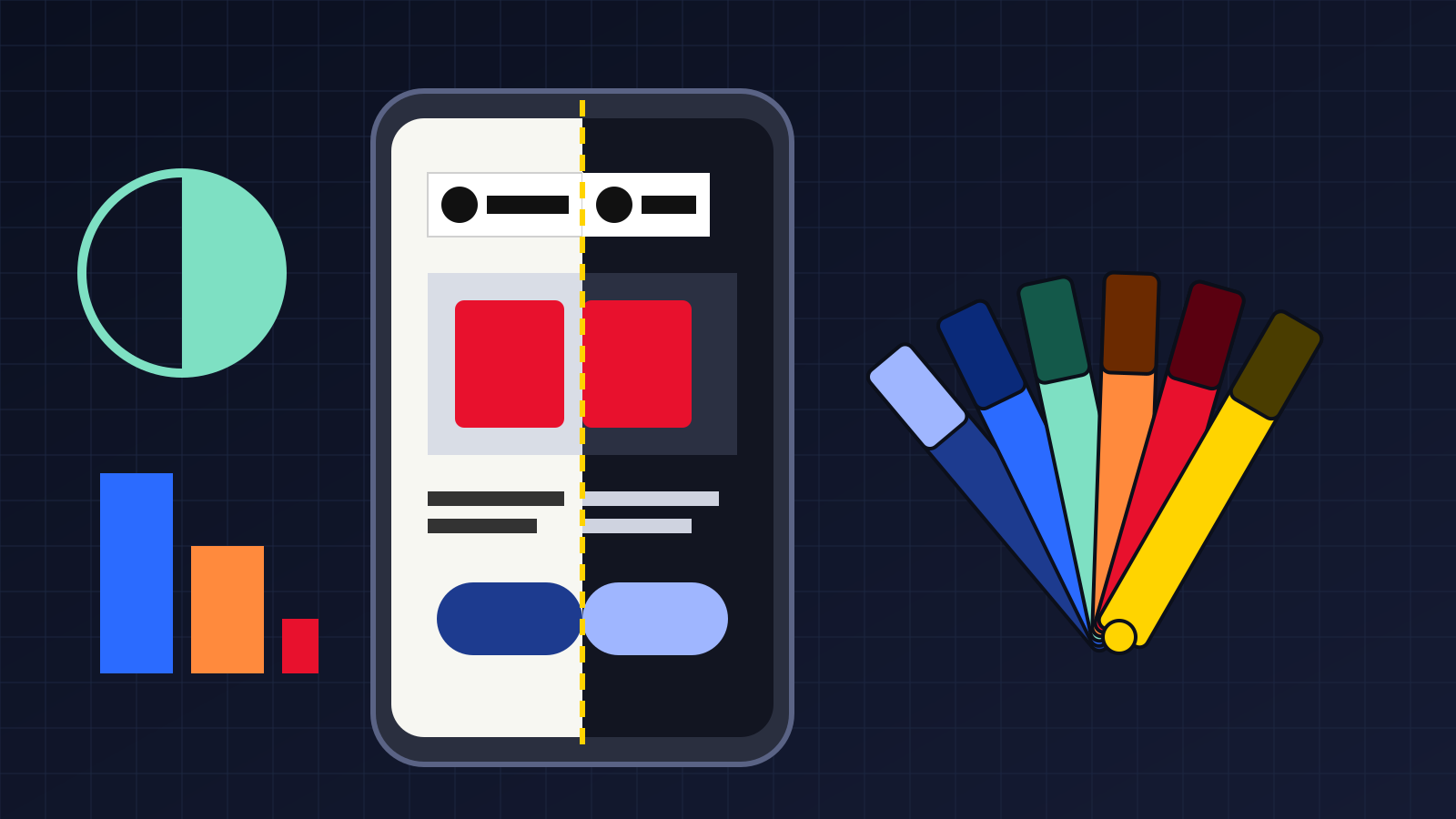
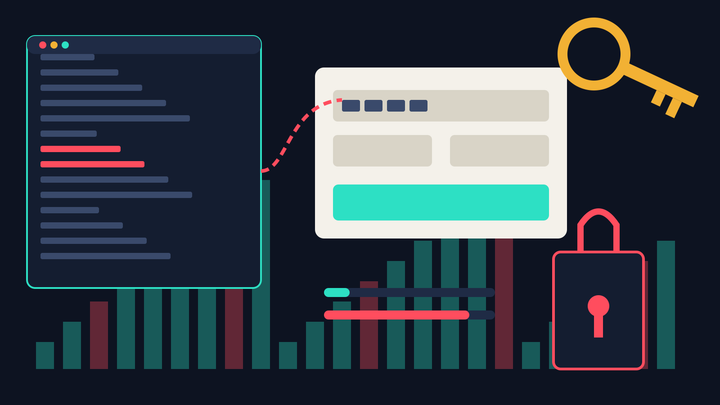
Apple's WebKit team announced Adaptive Dark Mode on November 3, 2026, in the first Safari 27.3 beta for iPhone, iPad and Mac. When a dark-mode user turns it on, Safari recolors light-only websites into dark versions, and the site cannot detect that it happened. Any landing page without a color-scheme declaration is a candidate for the repaint, including your brand colors and CTA buttons.
That last part is the bit marketers should care about. A browser deciding what your page looks like is not new (Reader mode has existed for years). A browser deciding what your page looks like and then hiding the evidence from your analytics is a little newer, and it lands right as the 27.3 updates are expected to ship in December, in the middle of holiday shopping.
How Safari actually repaints a page
The mechanics, per the WebKit announcement, are more careful than the old "invert everything" browser extensions. Safari runs light backgrounds and dark text through a color matrix that inverts luminosity but keeps hue. Text is pushed toward a WCAG 4.5:1 contrast ratio. Light CSS gradients get darkened too.
Images are where it gets uneven. Most photos are left alone. SVG colors can be transformed "when needed" to keep icons visible, and simple black-and-white bitmap logos may be inverted after Safari analyzes the pixel histogram. Canvas content is untouched. Masks and mix-blend-mode effects may be switched off on transformed elements, which matters if your hero section leans on either one.
It's off by default. A user with their system appearance set to dark visits a bright site, Safari offers a preview, and they tap "Try." According to tbreak's walkthrough of the beta, they can then turn it on for every site or just specific ones. Sites that already ship a native dark mode are skipped.
So the people who will see your repainted page are exactly the people who already prefer dark mode and actively said yes to this. That's probably a smaller group at first than the headline numbers suggest. I'd still assume it grows, because MacStories' Federico Viticci, who used a third-party extension for this, wrote that it's time to go back to Safari everywhere. Power users tend to say that out loud before everyone else quietly does it.
The part your analytics can't see
WebKit is blunt about this: "Safari prevents websites from detecting when Adaptive Dark Mode has been applied." Scripts that read CSS colors get the original values you authored. Canvas renders as it always did. PPC Land's write-up notes the privacy reasoning: a detectable dark-mode flag would be one more fingerprinting signal, and Apple has spent the last two years closing exactly that kind of gap (see Safari 27's block on UID2, LiveRamp and ID5).
Which means you cannot build a GA4 segment for "saw the dark version." If a repainted checkout converts worse, it will show up as a vague dip in iOS Safari conversion rate, and nobody on the team will connect the two. It's a bit like a print shop deciding your ad looks better in negative, running it that way, and then mailing you a proof of the original.
The scale argument WebKit makes is worth reading carefully. The post says almost 40% of web page loads come from users in dark mode, while only about 10% of page loads support it. Those figures link to Chrome Platform Status, so they're Chrome page-load counts, not Safari users and not unique people. Still, a 4-to-1 gap between demand and support is a lot, even if the exact ratio on iOS is different.
Your brand color guide was written for one background. Safari just added a second one you didn't approve.
Where landing pages are most likely to break
Honestly, most pages will probably look fine. Apple clearly put work into this. The risk sits in a few specific places, and they happen to be the places that carry conversion:
- Logos on white boxes. A PNG logo with a baked-in white background becomes a bright rectangle floating on a dark page. Nielsen Norman Group's dark mode research flagged graphics with white backgrounds or dark elements that vanish as one of the most common problems, and that was before browsers started doing this automatically.
- Brand-colored CTA buttons. Hue is preserved but luminosity flips, so a dark navy button can come out as a lighter blue, and a pale mint button can go murky. Your "approved" brand color may not survive.
- Product shots on light gradients. The gradient behind the product goes dark, the photo stays as shot. Cut-out product images with transparent backgrounds handle this fine. Product photos shot on a light gray sweep, which is most ecommerce catalogs, will sit inside a pale box.
- QR codes and promo badges. NN/g also noted that inverted QR codes can fail on some scanners. If a bitmap QR gets treated as a "simple black-and-white" image, that's a real risk for any offline-to-online campaign page.
- Effects built with blend modes. Duotone heroes, text knockouts and masked image reveals may simply lose the effect.
Anyway, none of this is guaranteed. It's beta behavior, and WebKit says the feature will keep changing through the beta process. But I'd rather know what my top pages look like now than find out from a support ticket in January.
Opting out is messier than it should be (for now)
WebKit lists two ways to keep a page from being transformed. The first is to declare full dark-mode support with <meta name="color-scheme" content="light dark"> or color-scheme: light dark in CSS. The second is to declare the page light-only with color-scheme: light only. Here's the catch: WebKit's own note says the only keyword is not supported in Safari 27.3 beta 1. So right now the reliable opt-out is the first one.
And that one has a trap. Telling the browser your page supports light dark isn't purely a Safari flag. It's a standard CSS signal, and in most cases I've seen, browsers then render things you haven't styled (form fields, scrollbars, the default page background) in the user's preferred scheme. If your CSS hard-codes dark text but never sets a background color, a dark-mode visitor could end up with dark text on a dark default background. The fix is to set explicit colors, or better, write actual dark styles using the CSS light-dark() function, which picks between two colors based on the active scheme.
WebKit also says to put the declaration in the HTML head or on :root/body in CSS, and not to inject it later with JavaScript. That one trips up a lot of landing page builders that load theme settings through a script. Worth checking which bucket yours is in.
I'll admit I'm a bit torn on whether to opt out at all. Plenty of dark-mode users clearly prefer a recolored page to a blinding white one, and Apple's version may look better than whatever a rushed dev sprint produces. For most content pages I'd probably let Safari do its thing. For checkout, pricing and paid-traffic landing pages, I'd want control.
A 10-minute repaint check before the December release
You don't need a dev team for the first pass:
- Pull your top 5 landing pages by revenue and check iOS Safari's share of sessions in GA4 for each. If Safari on iPhone is above roughly 30% of sessions on a page, it goes to the top of the list.
- View each page in Safari 27.3 beta with dark appearance on and Adaptive Dark Mode tried. No beta device? Ask whoever on the team updates everything the day it ships. There's always one.
- Screenshot the hero, the CTA and the logo in both modes. Run the CTA button text against its new background in any contrast checker; WCAG's 4.5:1 is the floor.
- View source and search for
color-scheme. If it's missing, decide page by page: accept the repaint, or add dark styles and declarelight dark. - Swap bitmap logos for SVG or transparent PNGs. That's WebKit's own recommendation, and it fixes the white-box problem regardless of what Safari decides.
One prediction, with the usual caveat that I could be wrong: by the end of Q1 2027, I'd expect fewer than 20% of the top ecommerce landing pages to have added a color-scheme declaration. Most brands won't notice this until someone's CEO sees their homepage in dark mode on a phone. If you've read how long Safari's 7-day sGTM cookie cap went unnoticed, you know Safari changes have a way of sitting in plain sight for a long time.
Designing for two backgrounds now
The thing I keep coming back to is that brand teams have spent years arguing over exact hex values, and a browser can now quietly change them for the users who opted in. You can fight that, or you can design a dark version you actually like. I suspect most of the teams that end up happy with this will be the ones that pick the second option, even if they only do it for a handful of pages.