YouTube Shopping Affiliates Treat Your Default Rate as a Public Bid
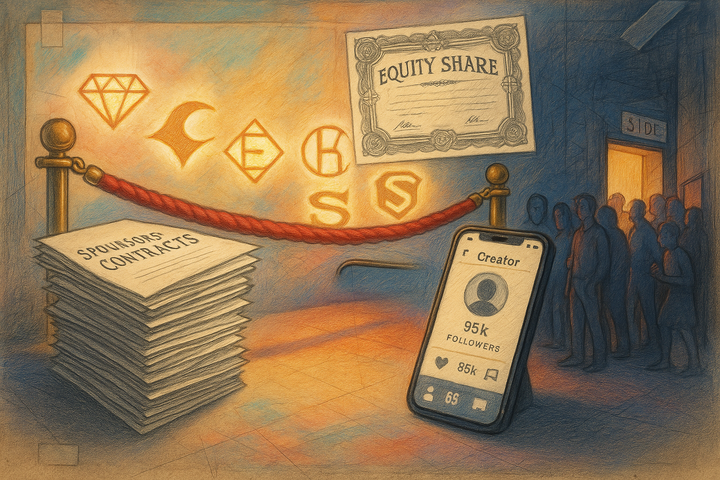
The YouTube Shopping affiliate program lets eligible creators tag a brand's products in videos, Shorts, and live streams, and the brand pays a commission only when a viewer buys. More than 1.3 million channels are now enrolled, and creators see each product's commission rate before they tag it, so a brand's default rate works like a public bid against Amazon, Walmart, and Target.
That last part is the bit most brands seem to miss. They treat YouTube Shopping as a Merchant Center checkbox, flip it on at whatever rate felt safe, and then wonder why nobody tags them. Meanwhile creators are scrolling a list of products with percentages next to each one and picking what pays.
This piece zooms in on the brand side of the program: who can join, what the settings actually control, and which ones actually move results. If you are still building an affiliate program from scratch, start with our guide on launching an affiliate program without an agency. I'd treat YouTube Shopping as one more channel feeding that program, sitting alongside whatever partners you already have.
The numbers say creators showed up. Brands mostly didn't.
At Made On YouTube in late September, YouTube said the affiliate program has more than 1.3 million enrolled channels, commission payouts that doubled year over year, and 13x growth in gross merchandise volume over two years. The program is also expanding fast: YouTube plans to reach 35 countries by the end of 2026, and it cut the creator eligibility bar to 500 subscribers back in March, according to PPC Land's coverage of the Mercado Libre expansion.
So supply of creators is enormous. Supply of brands is thinner than you would expect. YouTube's own creator help page lists "over 100 merchants" in the program, heavily weighted toward big retailers like Amazon, Target, Walmart, Sephora, and Home Depot. When YouTube opened the door to Shopify merchants in 2024, the announcement talked about "hundreds of U.S. brands." Hundreds of brands, more than a million creators. That ratio is the opportunity.
Honestly, the retailers in that list are your real competition here, not other DTC brands. If a creator reviews your product and your brand isn't in the program, they will probably tag the Amazon listing instead. You still get the sale (maybe), but you get it at Amazon's margin, with Amazon's customer data, and you have zero say in what the creator earns for sending it.
A creator who loves your product will still tag it. They will just tag the retailer's version if yours isn't available.
Who can actually join (it's narrower than the headlines)
Here is where it gets a bit annoying. The creator side keeps opening up, but the brand side has stricter plumbing. For Shopify merchants, Google's setup documentation requires all of the following:
- A U.S. target country, U.S. dollars, and a U.S. billing address
- A Shopify Advanced or Plus plan
- The Google & YouTube app installed, connected to Google Merchant Center
- Automated product sync through that app (most third-party feed tools are ineligible, Feedonomics has a special process)
- Conversion tracking and auto-tagging turned on
- Not running Shopify's headless commerce setup
Brands outside Shopify go through a separate route. YouTube's help page says retailers fill out an interest form, and "filling out the form does not guarantee an invitation." In practice that means non-Shopify brands under enterprise size are waiting in a queue.
If you are on Shopify Basic, the honest math is whether the upgrade pays for itself. I'd only make that jump if you can already point to creators reviewing your product category on YouTube today. Search your category plus "review" on YouTube, filter to the last three months, and count the channels with 5,000+ subscribers. Under ten, I'd probably wait. Over thirty, you are leaving money (and data) on the table.
Your default rate is the only number most creators will ever see
The program gives merchants three commission levers, per Google's custom commission documentation: a default rate that applies to every product and every creator, custom rates by product or category, and custom rates for named creator lists. Custom rates must be higher than the default. There is no ceiling in the docs.
Two rules in there quietly shape your whole strategy:
- You can't go below your default for anyone. Custom rates only go up. So if you set the default high to attract creators, you can't later carve out a lower rate for your weakest category.
- You can't block specific creators. Setting a product to 0% excludes it, but the exclusion applies to everyone. There's no per-creator denylist.
Put those together and the default rate becomes your open bid to 1.3 million channels. Influencer Marketing Hub's holiday guide to YouTube Shopping puts the median commission at roughly 15%, with the bottom quartile of offers at 10% or less. A creator choosing between your 8% and a competitor's 15% on similar products is not going to agonize over it.
The benchmark I'd use: set the default at or slightly above 15% if your gross margin can carry it, then use creator lists for the people who actually move product. If your margin can't carry 15% across the catalog, set the default lower and zero out the low-margin SKUs entirely rather than letting them drag the whole bid down. A clean 15% on 20 products probably beats a messy 9% on 200.
One thing worth knowing about the creator side, because it affects how creators value your rate. The same Influencer Marketing Hub piece notes that Reddit users have claimed YouTube takes up to 30% of commissions, but YouTube's own help page currently says it is passing through "100% of commissions derived from affiliate merchants" to creators, with a warning that this may drop as the program scales. So right now your posted rate is what creators get. That may not last, and if it changes, expect creators to need a higher posted rate to earn the same money.
The settings that decide whether it's profitable
Beyond the rate, the Shopify setup has two timing controls, and both matter more than they look:
Attribution period: 30 days. A creator earns commission on purchases within 30 days of a click. For considered purchases (cookware, skincare routines, fitness gear), where people watch a review and then sit on it for a week or two, that window is generous to creators, which is exactly why you want your own listing in the picker rather than letting a retailer listing absorb the tag.
Pending period: 30 to 50 days. This is the window before a commission locks. Google's docs default it to 30 days and let you push it to 50 to match your return window. If your returns policy is 45 days and you leave pending at 30, you are paying commission on orders that come back. Easy fix, takes two minutes, and I'd guess a lot of brands never touch it.
Creators, meanwhile, get paid through AdSense 60 to 120 days after the purchase. That lag matters for your relationships. A creator who tags you in October won't see money until well into the new year, so a small upfront flat fee for priority creators can do a lot of goodwill work. Our breakdown of flat fee vs revenue share vs hybrid deals covers how to structure that hybrid without overpaying.
How to get tagged instead of waiting to get tagged
Joining the program puts your products in the catalog. It doesn't make anyone tag them. A few moves that seem to separate brands that get traction from brands that just sit there:
1. Fix your Merchant Center feed first. Creators search the product picker by name. If your titles are "Item 4402 Blue" or your images are flat lifestyle shots with tiny product, you lose the click-to-tag moment. Treat the feed like a storefront, because inside YouTube Studio, it is.
2. Build a creator list for your top 10 to 20 channels. Find the channels already reviewing your category (the search above). Put them in a creator list with a rate 3 to 5 points above default, then email them directly saying so. The custom rate does nothing if they don't know it exists, and the help docs don't make clear that creators are notified.
3. Tell creators to stack placements. Per Influencer Marketing Hub, YouTube's testing found that videos combining product tags, timestamps, and description links drove 43% more clicks than description links alone. Put that in your creator brief. It costs them nothing and it's the cheapest conversion lift in the whole setup.
4. Watch for affiliate campaigns. At Made On, YouTube said retailers can now run affiliate campaigns with exclusive commission rates or bonuses, plus localized product tags that swap in regional offers while the creator keeps the commission. I'd plan a Q4 campaign window around this if it reaches your account, since creators planning holiday content are looking for the reason to pick one product over another.
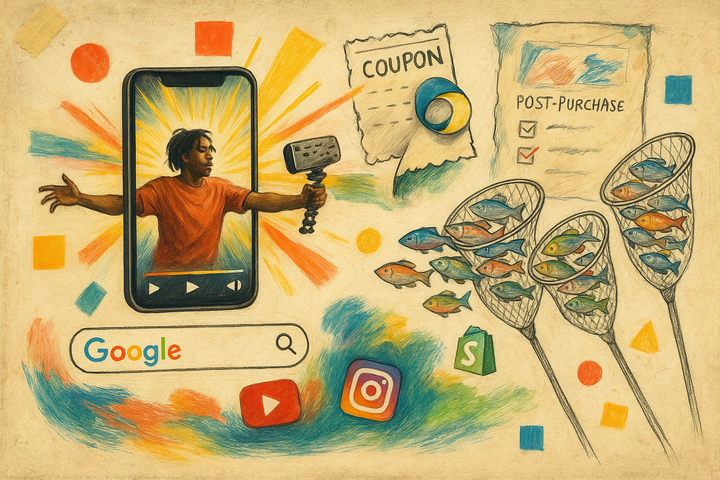
5. Measure it as part of the mix, not on its own. YouTube Shopping reports attributed sales, which is useful, but plenty of viewers will watch, not click, and buy through branded search later. The same problem shows up with promo codes, and we covered the fix in measuring influencer ROI beyond promo codes. Short version: watch branded search lift and post-purchase surveys alongside the dashboard.
A side note, slightly off topic. If you are also posting your own brand videos on Shorts, YouTube has started limiting reach for recycled Shorts, so watermarked TikTok exports are a bad base for tagged product content. Native uploads only.
Common questions about YouTube Shopping for brands
Does YouTube charge brands a fee to join the affiliate program?
Google's merchant documentation describes it as pay-per-sale: "you only pay when creators drive a purchase." Billing runs through a credit card or monthly invoicing. The real costs are the commission itself and, for Shopify brands, the Advanced or Plus plan requirement.
Can I choose which creators promote my products?
Not really. Any eligible creator can tag eligible products. You can reward specific creators with higher rates through creator lists, and you can exclude products entirely at 0%, but you can't block an individual creator.
What commission rate should I set?
Industry coverage puts the median near 15%, and offers at 10% or under sit in the bottom quarter. Start at or near 15% on the products where your margin allows it, rather than a low rate across everything.
A few hundred brands, a million creators
My prediction: by the end of 2027, the default commission on competitive categories like beauty and kitchenware drifts toward 20% as more brands join and start bidding against each other. Early brands get the cheap version of this channel. That part feels pretty familiar from every affiliate surface that came before it.
I don't think YouTube Shopping fixes a weak product or a thin margin. It just shortens the distance between a creator saying "I use this every day" and a viewer buying it from you instead of from the retailer down the street. If creators are already saying it about your product, it's probably worth making sure the link goes to you.